










$1.18

Stok Var
  • 100% Quality
  • Affordable Price
  • Fast Delivery
Category:

How to Use

How to Redeem Google Play Gift Card Belgium

  1. Open the Google Play Store on your Android device.
  2. Sign in to the eligible Google account you want to use.
  3. Tap your profile icon.
  4. Select Payments & subscriptions.
  5. Select Redeem code.
  6. Enter your Google Play Belgium gift card code.
  7. Review the information and confirm the redemption.

Once successfully redeemed, the available balance will be added to your Google Play account.

Important: Regional restrictions may apply. Make sure your Google Play account and payment profile are compatible with Belgium before redeeming the code.

Description

Google Play Gift Card Belgium

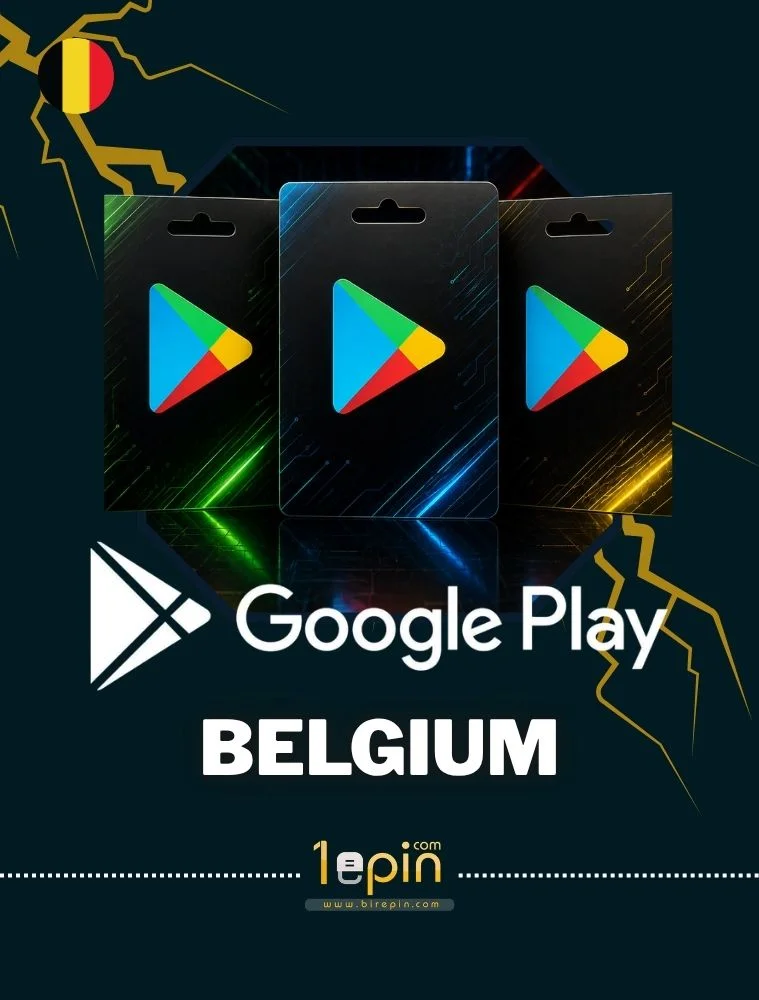
Google Play Gift Card Belgium is a convenient digital payment option for adding credit to an eligible Google Play account registered in Belgium. The balance can be used to purchase eligible apps, games, in-game content, movies, books and other digital content available on Google Play.

The gift card is delivered as a digital code, allowing fast and easy redemption without the need for a physical card.

  • Digital code delivery
  • For eligible Google Play accounts in Belgium
  • Easy and convenient redemption
  • Use for eligible apps, games and digital content
  • No physical card required

Important: This product is intended for Belgium. Google Play gift cards may be subject to country, currency and account restrictions. Please make sure your Google Play account is eligible for a Belgium gift card before purchasing.